

Citations consume more time than any other aspect of academic writing, yet most students and researchers continue to format references manually. This inefficient approach wastes hundreds of hours that could be spent on actual research and writing. The solution lies not in becoming a citation expert, but in leveraging modern tools that automate the entire process.
The Hidden Cost of Manual Citation Management
Manual citation management represents one of the most significant productivity drains in academic work. Students typically spend 20-30% of their writing time on citations alone, translating to dozens of hours per semester that could be redirected toward meaningful research activities. The repetitive nature of formatting references, checking style guides, and maintaining consistency across documents creates unnecessary stress and delays project completion.
Beyond time consumption, manual citation processes introduce errors that can undermine academic credibility. Style guides like APA and MLA contain hundreds of specific formatting rules that vary by source type, publication date, and medium. Even experienced researchers struggle to maintain perfect consistency when managing citations manually, leading to formatting inconsistencies that distract readers and potentially raise questions about research quality.

Revolutionary Citation Management Solutions
Citation management software transforms the research process by automating bibliographic tasks that previously required manual effort. Modern tools like Zotero, Mendeley, and EndNote eliminate the need to memorize style guide rules while ensuring perfect formatting consistency across all sources.
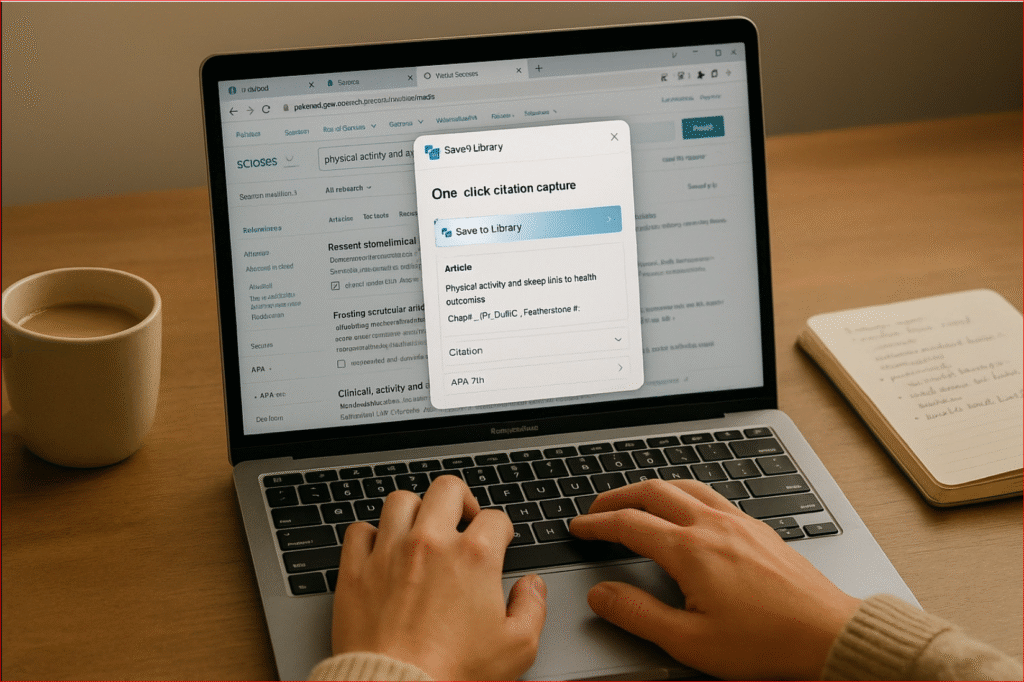
Zotero stands out as the most widely adopted solution because of its open-source nature and comprehensive feature set. Users can capture citations directly from academic databases, library catalogs, and websites using simple browser extensions. The software automatically extracts bibliographic information, organizes sources into customizable collections, and generates properly formatted reference lists in any required citation style.
Mendeley offers robust PDF annotation capabilities alongside citation management, making it particularly valuable for researchers who need to highlight and comment on source materials. The platform includes social networking features that allow users to discover relevant research through colleague recommendations and trending publications in their field.
EndNote provides enterprise-level features for institutions and research teams managing large citation databases. Its advanced search capabilities and collaboration tools make it ideal for long-term research projects involving multiple contributors and extensive source libraries.
Essential Time-Saving Strategies
The most effective citation management begins with proper tool selection and setup. Install both the standalone application and browser extension for your chosen citation manager to enable seamless source capture during research sessions. Configure the software to automatically sync across all devices, ensuring access to your citation library regardless of location or device.
Develop a consistent workflow for adding sources to your citation library immediately upon discovery. Rather than bookmarking articles for later addition, capture citations in real-time using browser extensions or database import features. This approach prevents the common problem of losing track of valuable sources and eliminates time-consuming searches to relocate previously viewed materials.
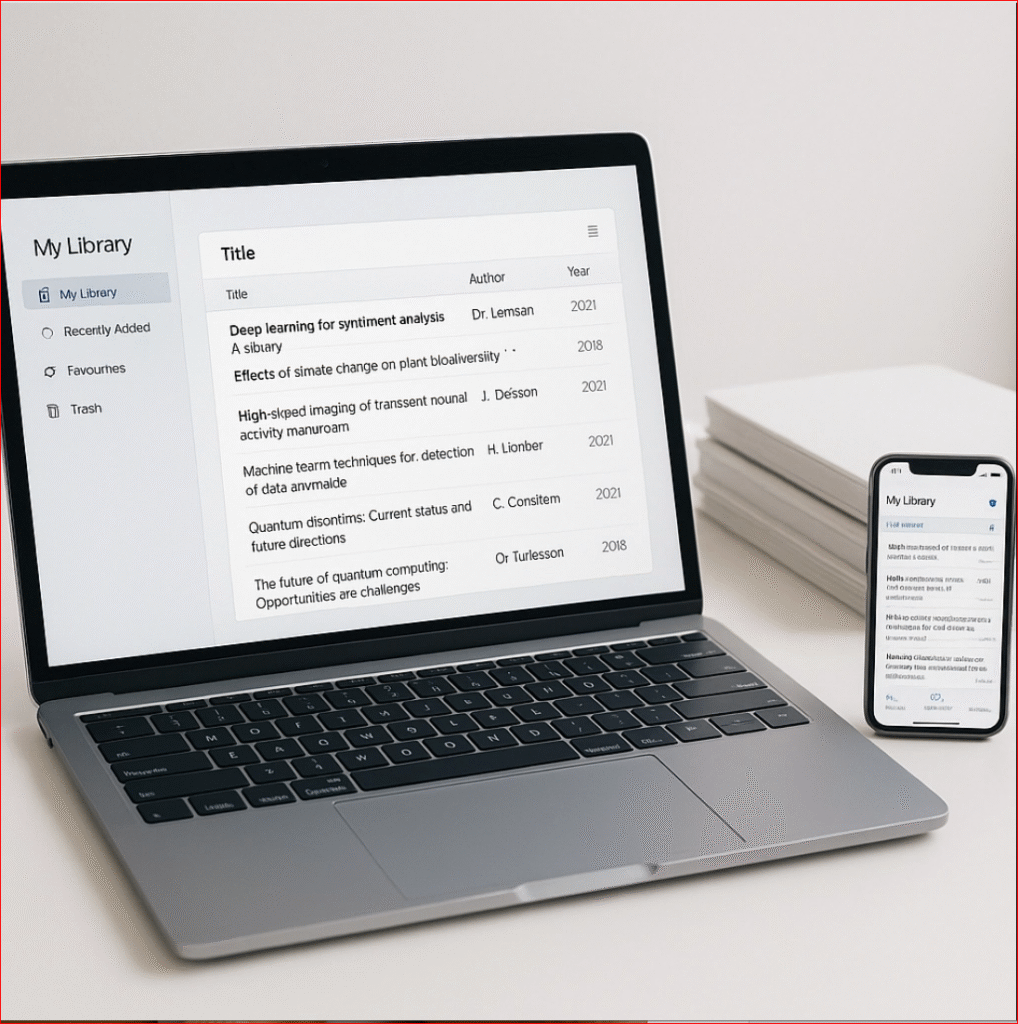
Organize citations using descriptive tags and folders that align with your research projects and writing timeline. Create separate collections for different papers, chapters, or research phases to streamline source location when drafting. Use descriptive naming conventions that allow quick identification of source types and relevance levels.
Automated Integration Techniques
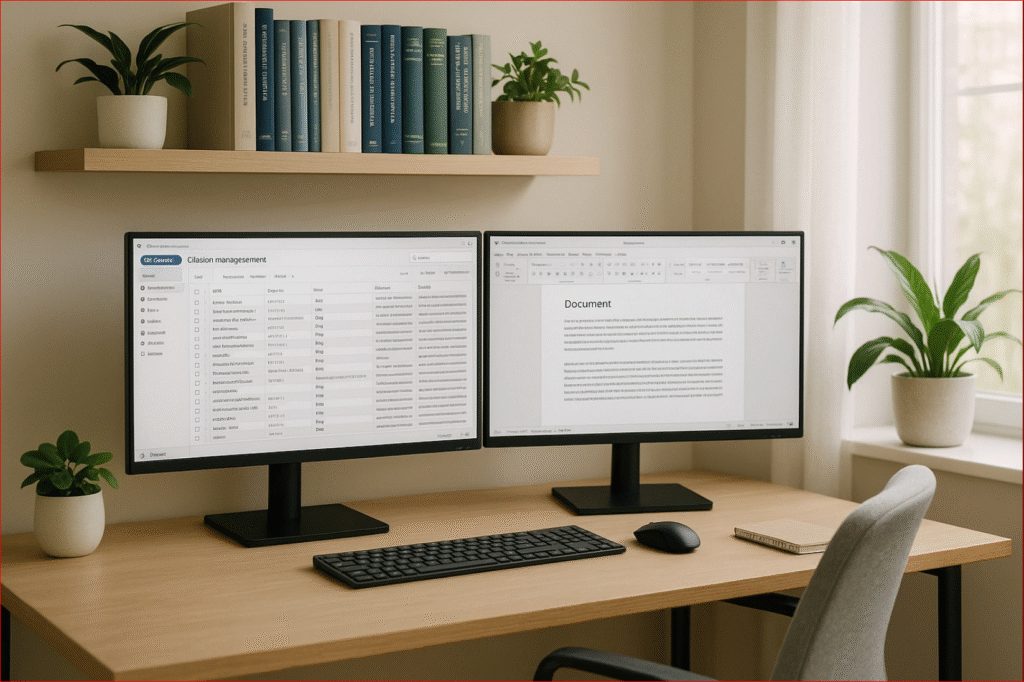
Modern citation managers integrate seamlessly with word processing software, enabling automatic in-text citation insertion and reference list generation. Install the appropriate plugin for Microsoft Word, Google Docs, or other writing platforms to access your citation library directly within documents.
Configure citation styles before beginning any writing project to ensure consistent formatting throughout the drafting process. Most citation managers include hundreds of pre-loaded styles covering major academic disciplines and publication requirements. Custom styles can be created for specialized publications or unique formatting requirements.
Utilize batch editing features to make global changes across entire citation libraries. When style requirements change or errors are discovered in source information, citation managers allow simultaneous updates to all affected references rather than individual manual corrections.
Advanced Productivity Features
Citation management software includes powerful features that extend beyond basic reference formatting. PDF annotation tools allow highlighting and note-taking directly within source documents, with annotations automatically linked to corresponding citations in your library. This integration eliminates the need for separate note-taking systems and ensures research notes remain connected to source materials.
Collaboration features enable research teams to share citation libraries and maintain synchronized source collections. Team members can add sources, annotations, and tags that become immediately available to all collaborators, streamlining group research projects and preventing duplicate effort.
Search functionality within citation managers often surpasses database search capabilities by allowing queries across full-text PDFs, annotations, and metadata simultaneously. This comprehensive search approach helps researchers rediscover relevant sources and identify connections between materials that might otherwise be overlooked.
Implementation Best Practices
Begin citation management implementation by selecting one primary tool rather than experimenting with multiple platforms simultaneously. Each citation manager requires time investment to master its features and integrate into existing workflows. Switching between tools creates confusion and reduces overall efficiency gains.
Import existing citation collections gradually rather than attempting massive database migrations that can introduce errors or formatting problems. Start with current projects and build your citation library incrementally as you encounter new sources. This approach allows familiarity development while maintaining productivity on ongoing work.
Establish regular backup procedures for citation databases to prevent data loss that could eliminate months of organizational work. Most citation managers include cloud synchronization features that provide automatic backups, but local exports create additional security for critical research collections.
Professional Support and Training
Many academic institutions provide free training sessions and technical support for citation management software. These workshops offer hands-on instruction that accelerates learning curves and introduces advanced features that users might not discover independently. Contact your library or academic support services to identify available training opportunities.
Online tutorials and user communities provide ongoing support for troubleshooting and optimization. Citation manager websites maintain comprehensive documentation, video guides, and user forums where researchers share productivity tips and solutions to common challenges.
Maximizing Long-Term Benefits
Citation management becomes increasingly valuable as research libraries grow larger and more complex. Early implementation provides compound benefits over time as automated systems handle increasingly sophisticated organizational tasks that would be impossible to manage manually.
The time savings achieved through citation automation can be redirected toward higher-value research activities like analysis, synthesis, and writing quality improvement. Rather than spending hours formatting references, researchers can focus on developing stronger arguments and conducting more thorough literature reviews.
Professional academic writing requires precision and consistency that manual citation management cannot reliably achieve. Automated tools ensure perfect formatting while freeing mental resources for creative and analytical thinking that distinguishes excellent research from adequate work.

Whether you are working on your thesis, dissertation, or preparing manuscripts for publication, professional editing support can complement your citation management system to ensure your research meets the highest academic standards. Consider working with experienced editors who understand both technical formatting requirements and substantive content development to maximize your research impact.
Ready to streamline your academic writing process? Submit Your Document for professional editing that complements your efficient citation management workflow.



0 Comments